¶ VPN website:
¶ First get a subscription for 1 euro through our website.
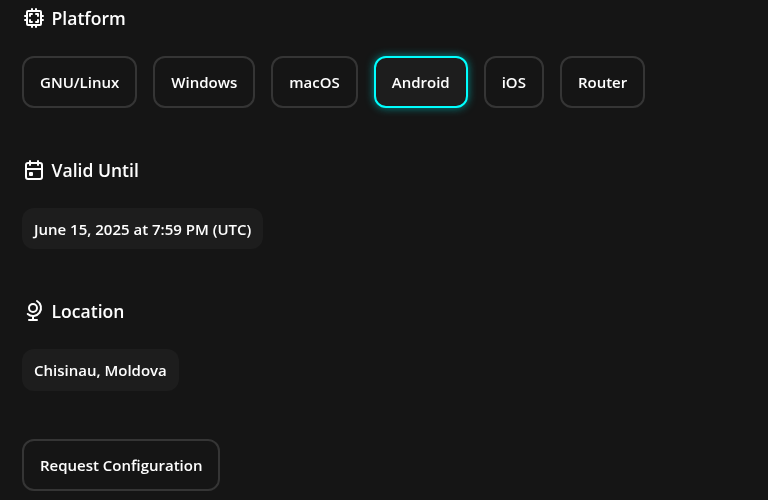
¶ Select Android
And then "Request configuration.
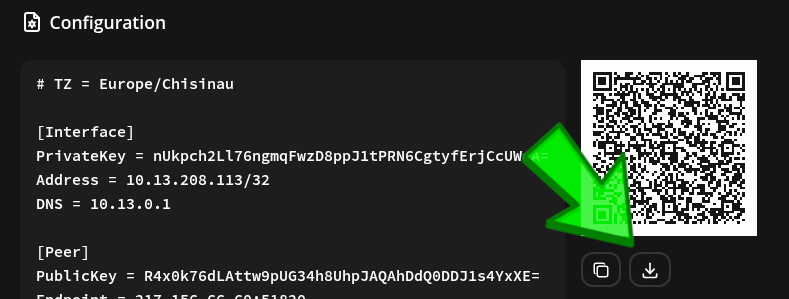
After you pay, it will give you a QR code to scan for the Wireguard config. Or you can hit the save button, and save the *.conf file.
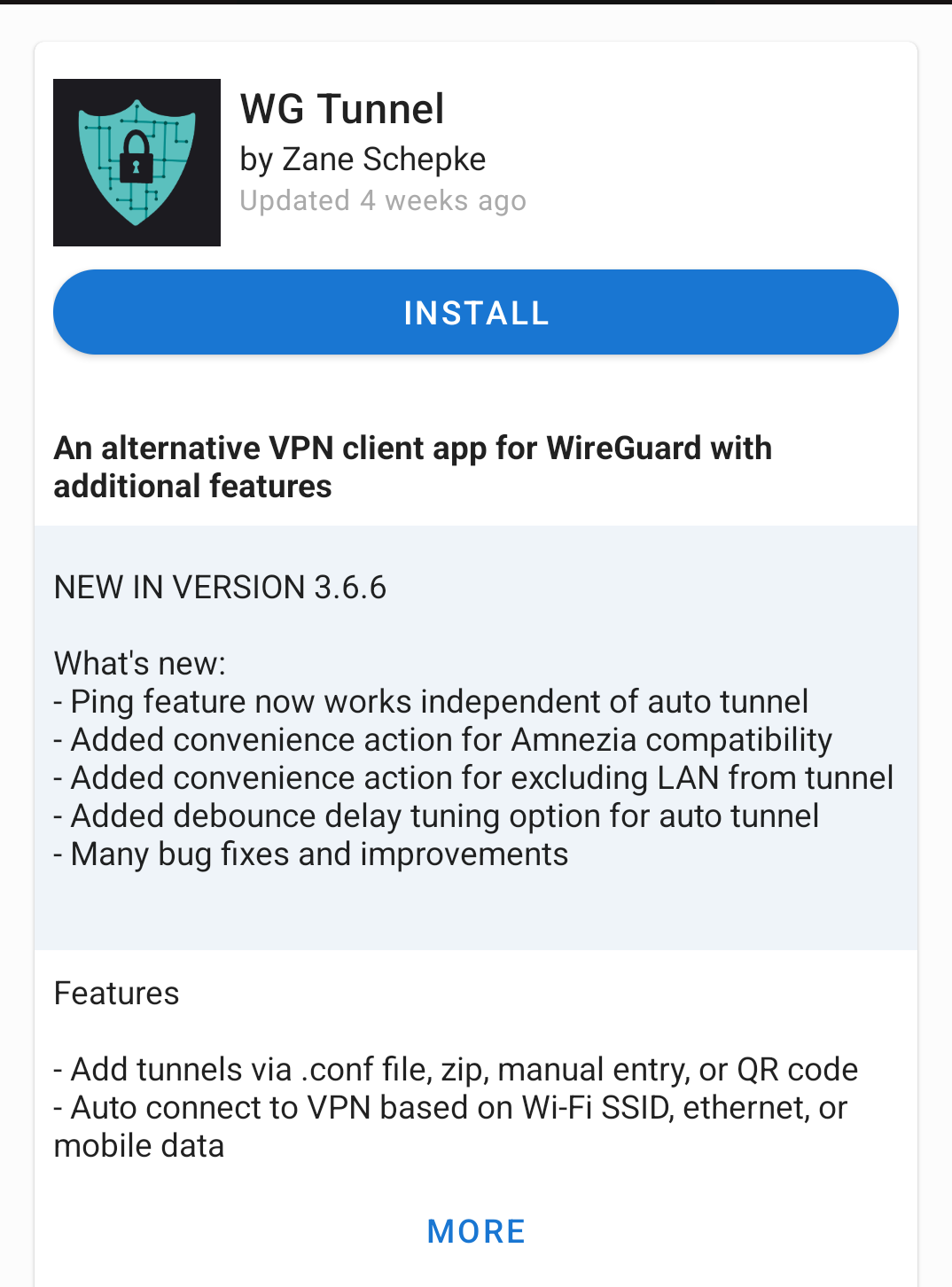
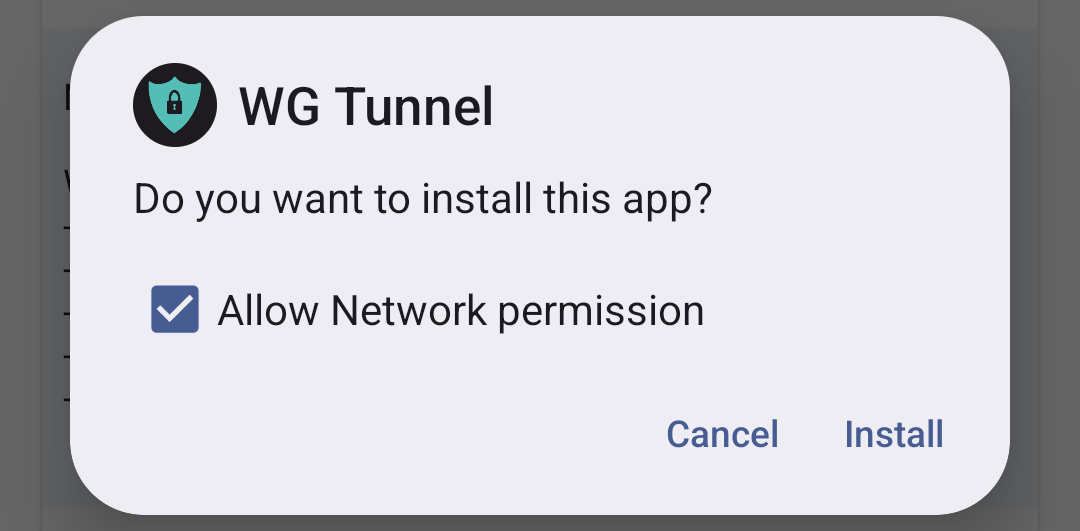
¶ Download WG Tunnel from F-Droid
¶ Allow Network Permission
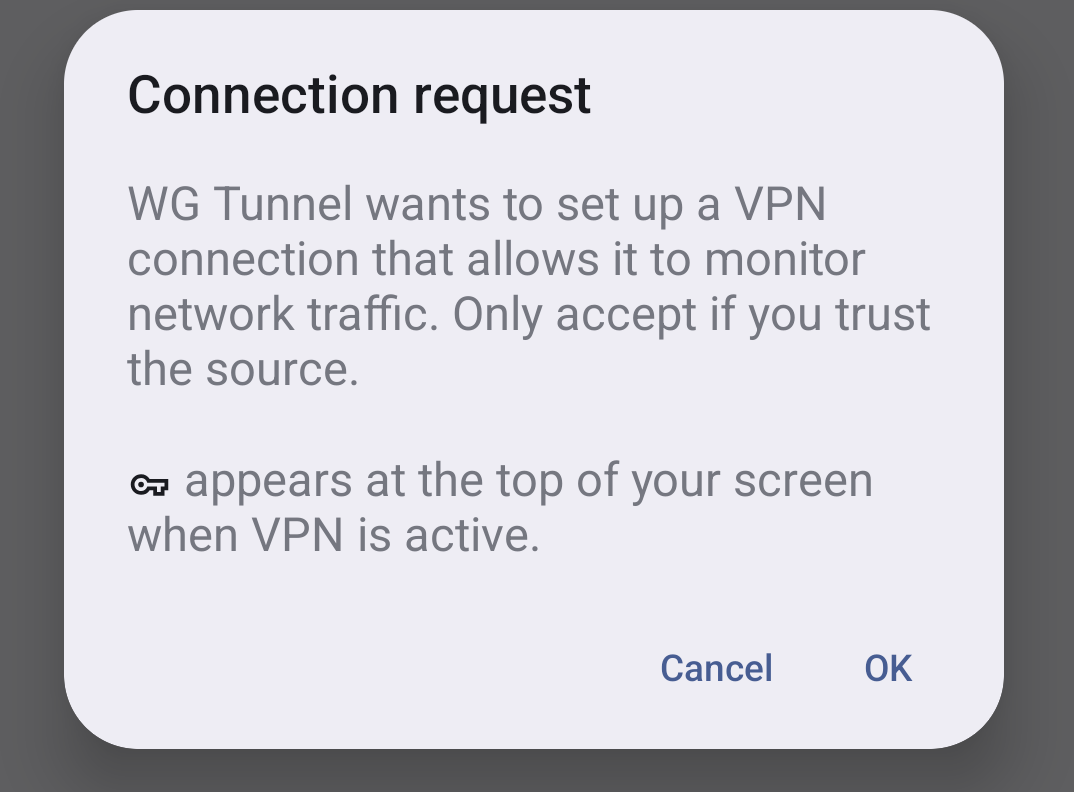
¶ Allow Connection
It will prompt you to allow a connection.
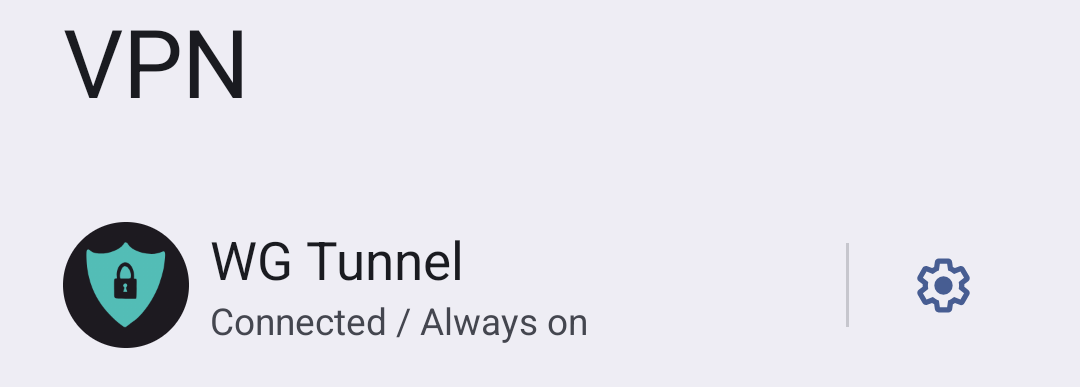
¶ Then in the network settings, set it to always on.
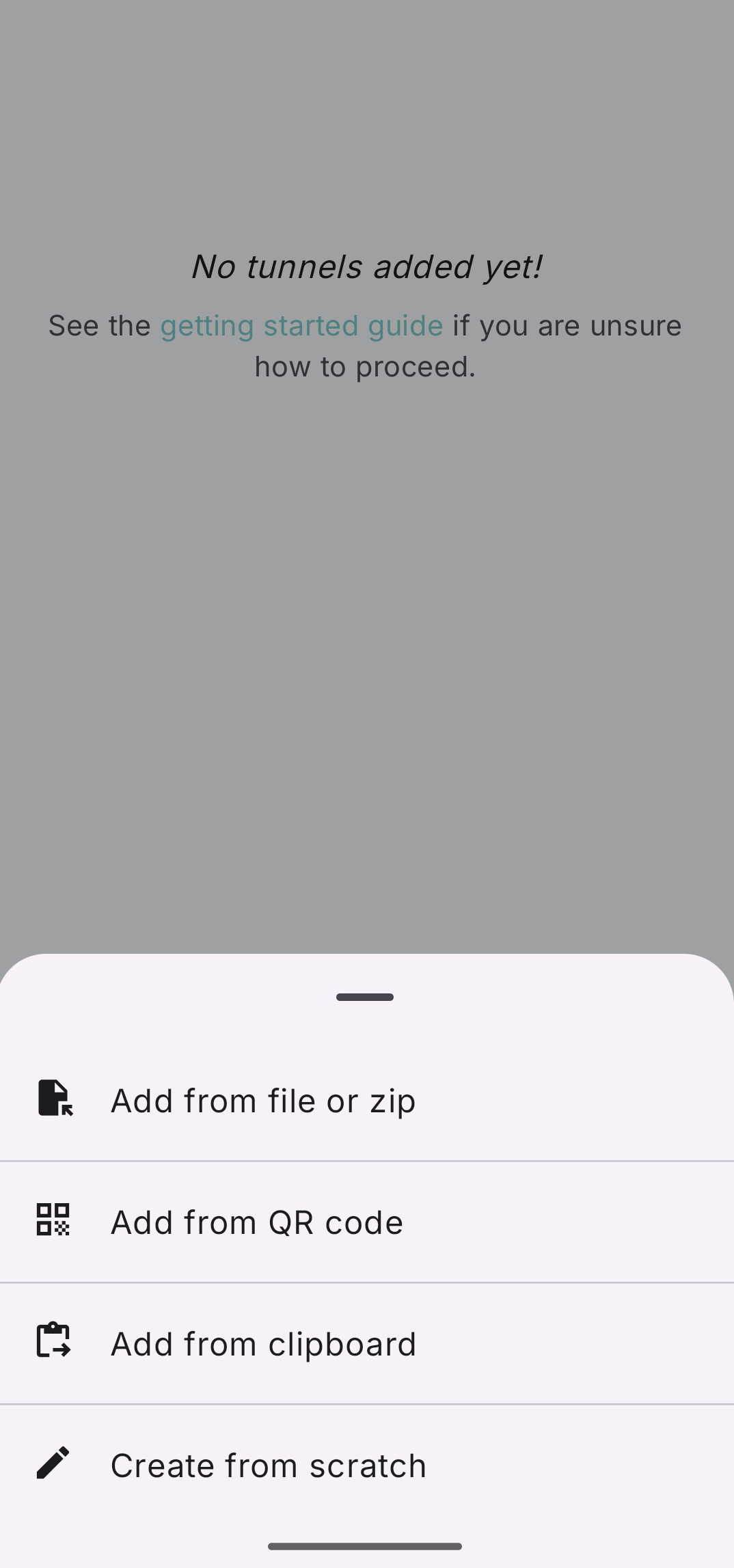
¶ Open the app, then hit the plus icon bottom right
This is to add the WG config

¶ Hit "Add from File or Zip"
And then select your new .conf file. Remember this is a text file that's named ".conf". Or you can QR code scan the WG conf.
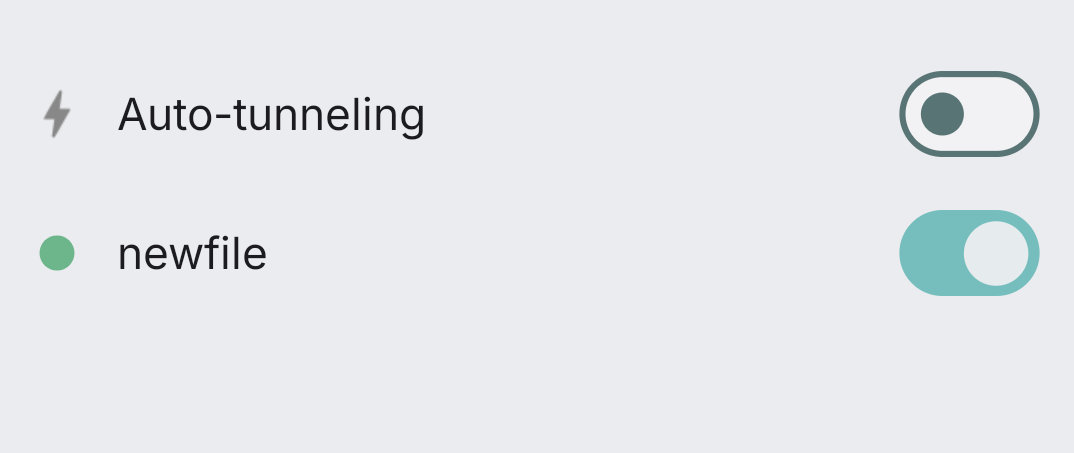
¶ Toggle it on.
Now test it out, go to whatsmyip.com or any IP checker
¶ Separated?
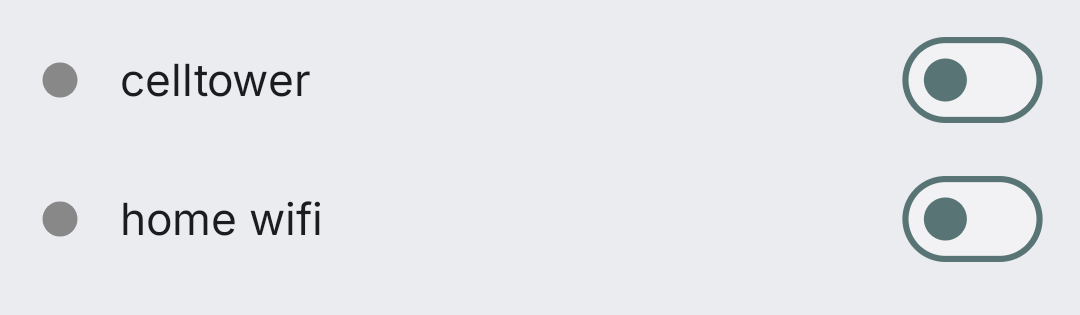
Optional: If you want to separate your home Wifi IP, from your Android celltower identity, then you could get two $1 subscriptions and toggle between them. Then we would not know they were the same person. Some will say that's badass Cypherpunk, others will say it's tinfoil hat wacko.