¶ How to Create Browser-Only WireGuard Profiles
Let's learn how to do browser-only profiles
¶ Sync
When you hit "Create Profile" it prompt you to first sync with the billing server. This is to get what locations and plans are available.
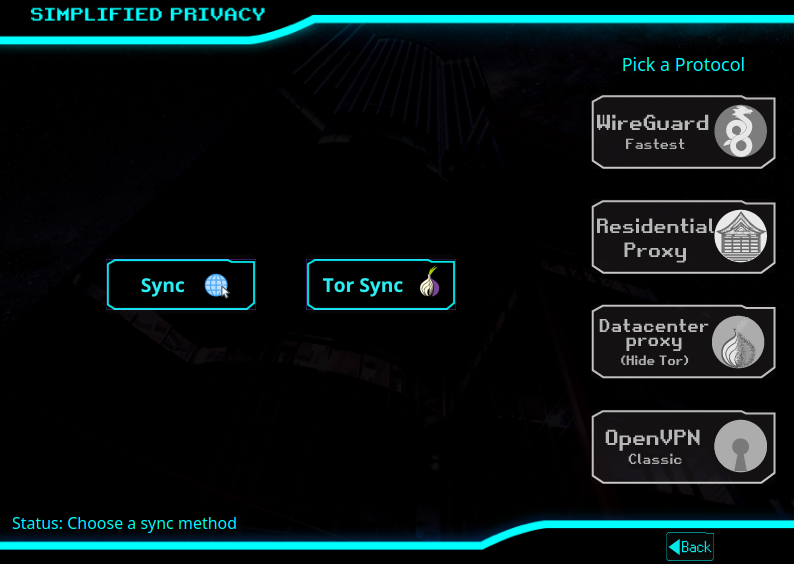
¶ Pick Protocol
Browser-Only Profiles are currently being offered for WireGuard or Tor Datacenter Proxies. In this tutorial, we'll pick WireGuard. But these same concepts apply to proxies.
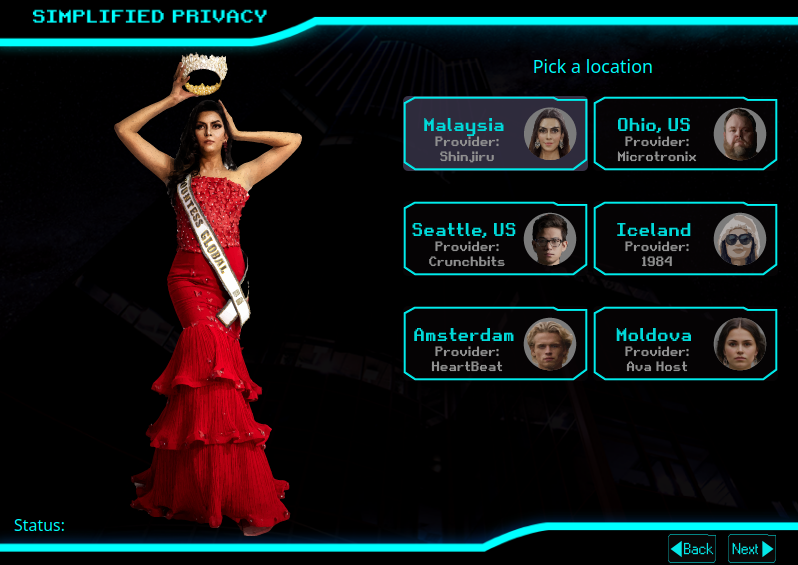
¶ Pick a Country
Pick what country to connect to. In this tutorial, I'll select Malaysia as an example. The billing code is tied to that location only, so if you change locations, you'd have to repay.
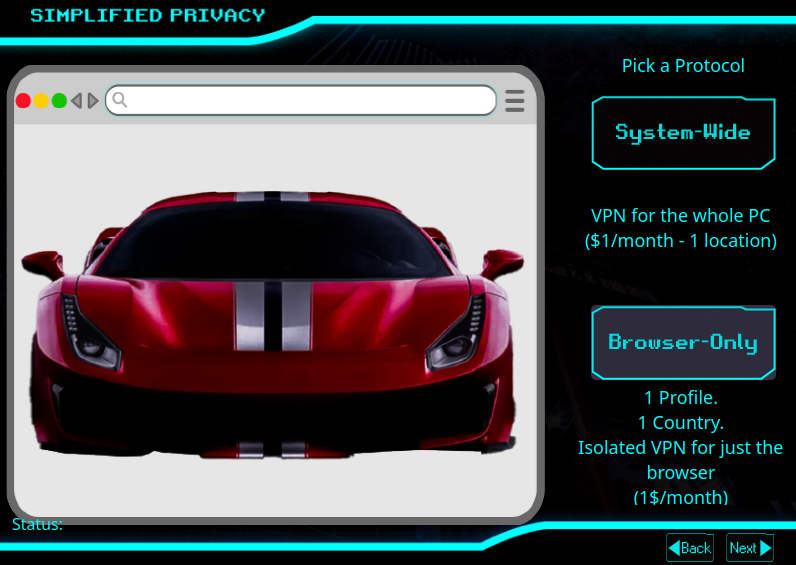
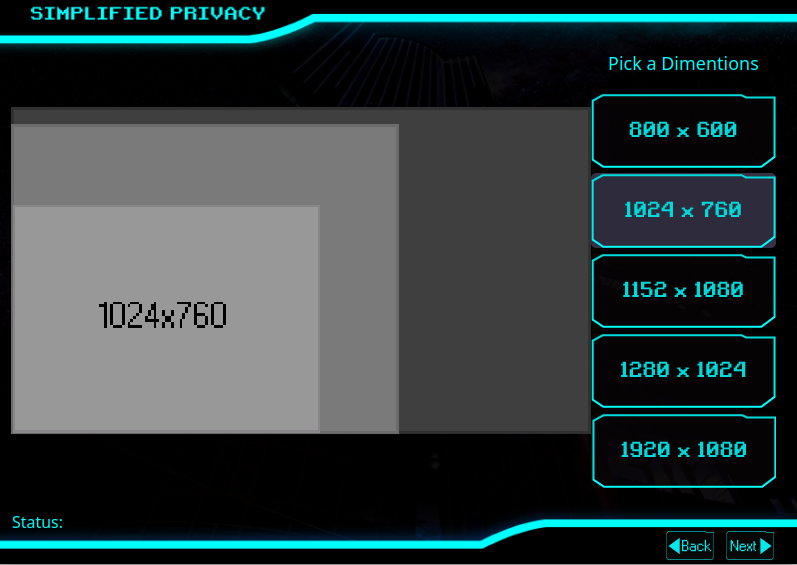
¶ Pick a Screen Size
This is stored only on your local computer. So you can change it anytime.
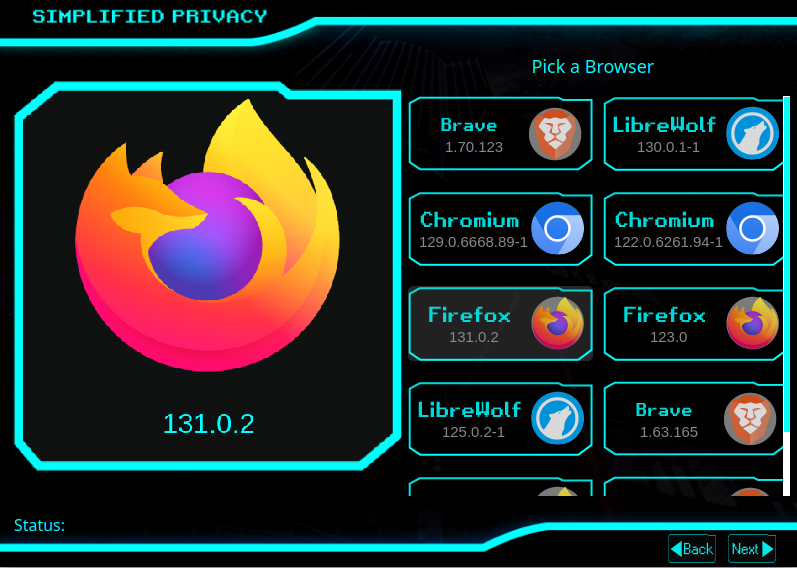
¶ Pick a Browser
You can change this later, but if you change browsers later, then would wipe out any cookies, extensions, or preferences you have in the first browser. You will have to download your selected browser, but not if you already downloaded it previously for ANY profile.
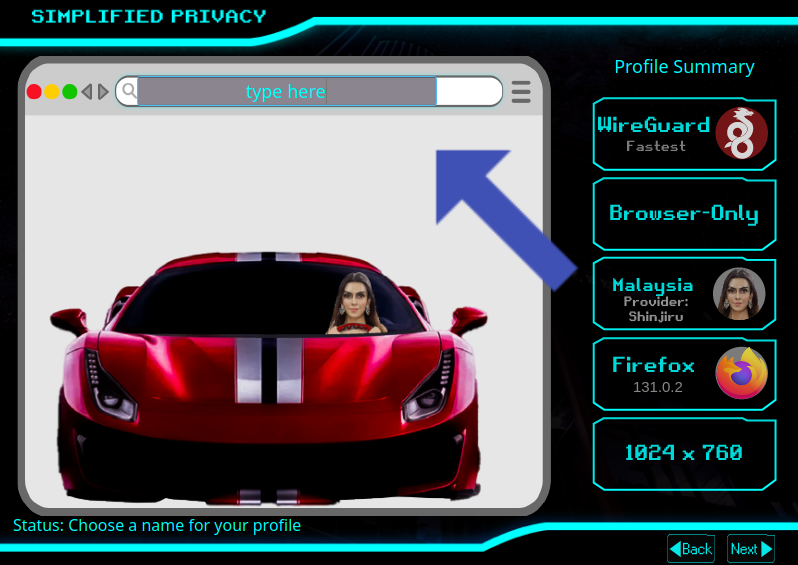
¶ Pick a Name
Type your name into the fake browser URL bar. This is NOT stored on the server, it's on your PC only. This can be changed by editing the profile file on your local computer (but not yet via the GUI).
¶ Connect
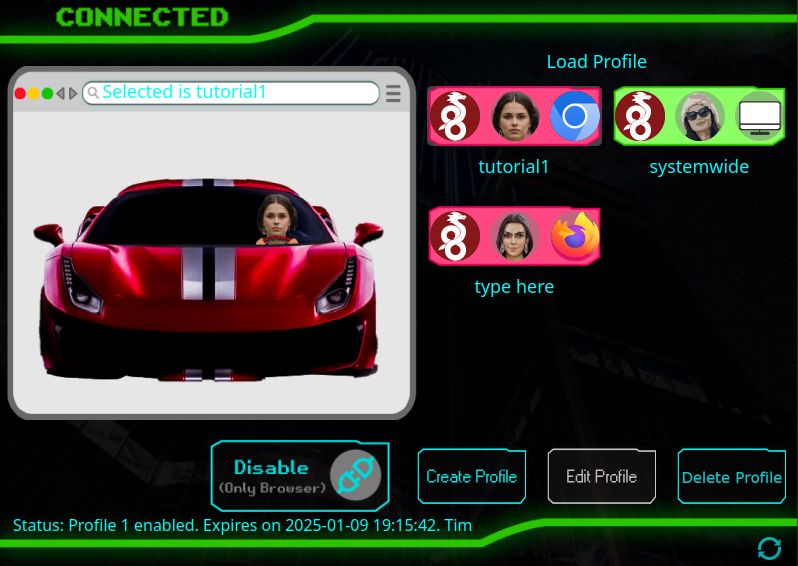
Now your new profile is on the mainpage. Remember, this main page doesn't make any internet calls until you hit "Enable". Then it will make 5 attempts to connect. Because this is threading on the CPUs, it can't be interupted.
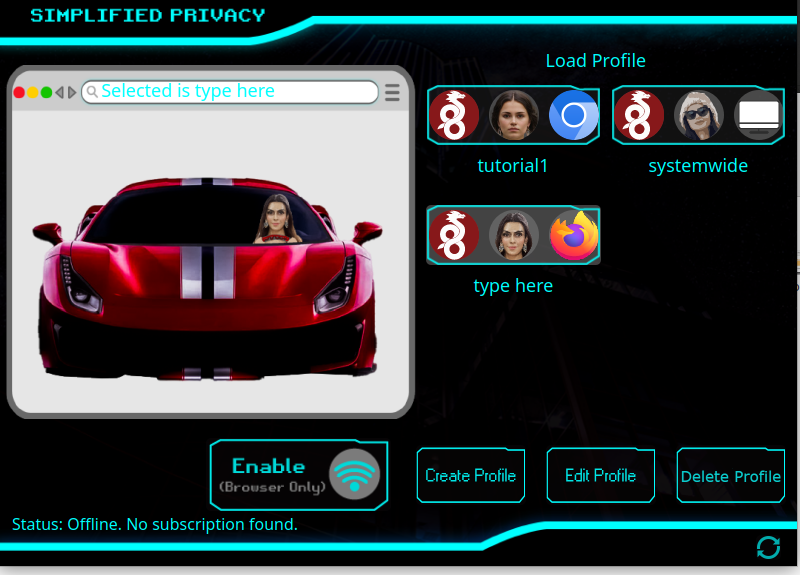
¶ Note on Enable:
If you hit "Enable" and then close the GUI, it will still continue to do the 5 attempts, because it's threading (a method of CPU processing).

¶ Get Billing ID
Next it will prompt you for a billing ID. Remember these are tied to one location only. So if you already have one for WireGuard, then it can be reused FOR THE SAME LOCATION. As long as both are not used at the same time.
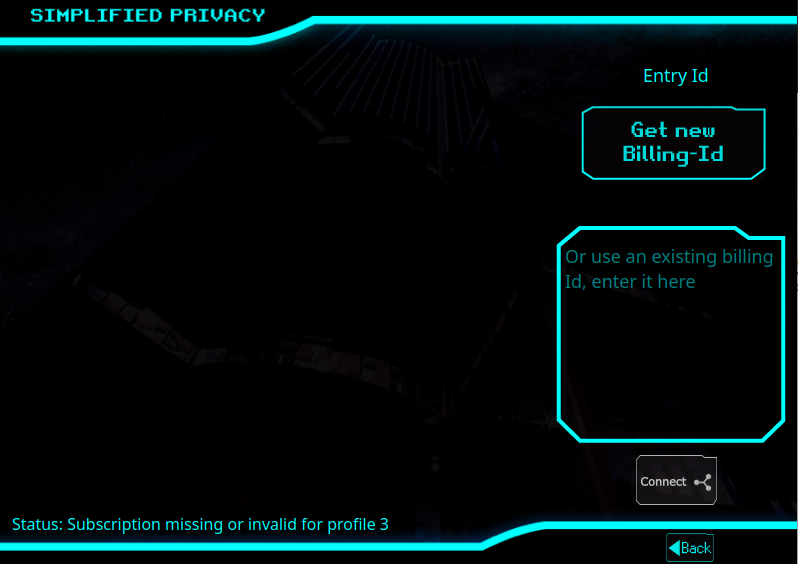
Note: The server doesn't know if it's a new profile, only if you have a billing ID or WireGuard config file for that location only.
¶ Pay
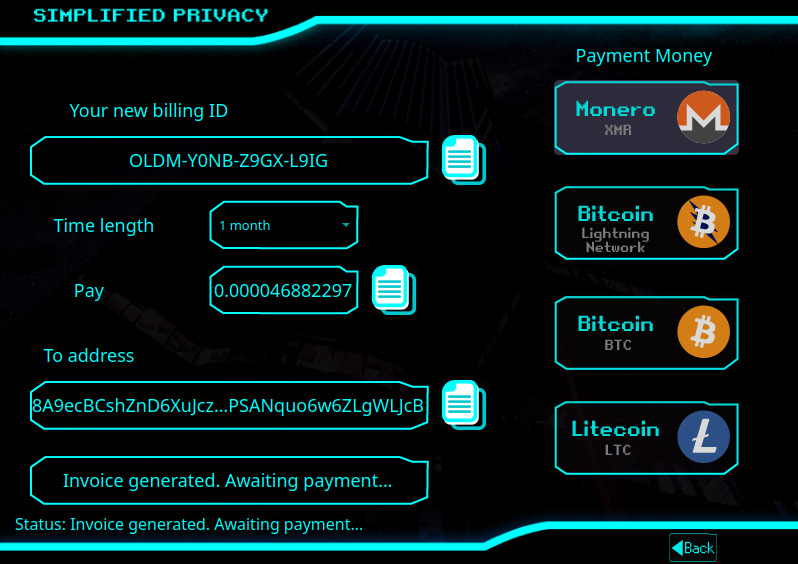
Once you get a cryptocurrency address, make sure to not pick a different coin or navigate off this screen. Do NOT close this window.
¶ Download the browser
Now when you hit Enable, it will check if you have the browser. If not, it will then download it.
¶ Profile Launches
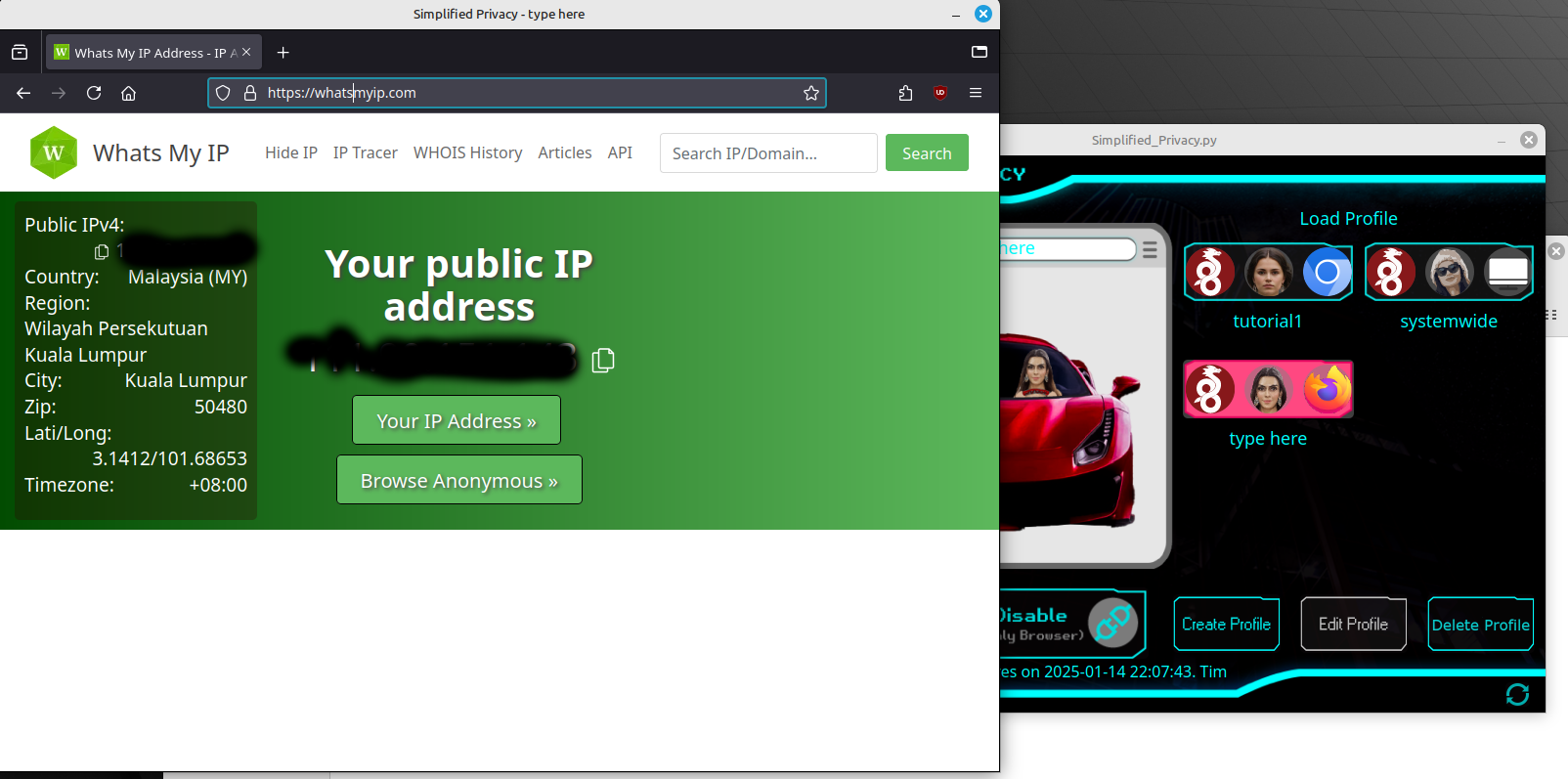
Once you have a paid billing code, and you have the browser. Now you can launch the profile, and it will pop-up and turn bright red (for WireGuard) on the main screen.
¶ Two at Once
You can have two profiles at once. And optionally system-wide on first, which lights up green.